


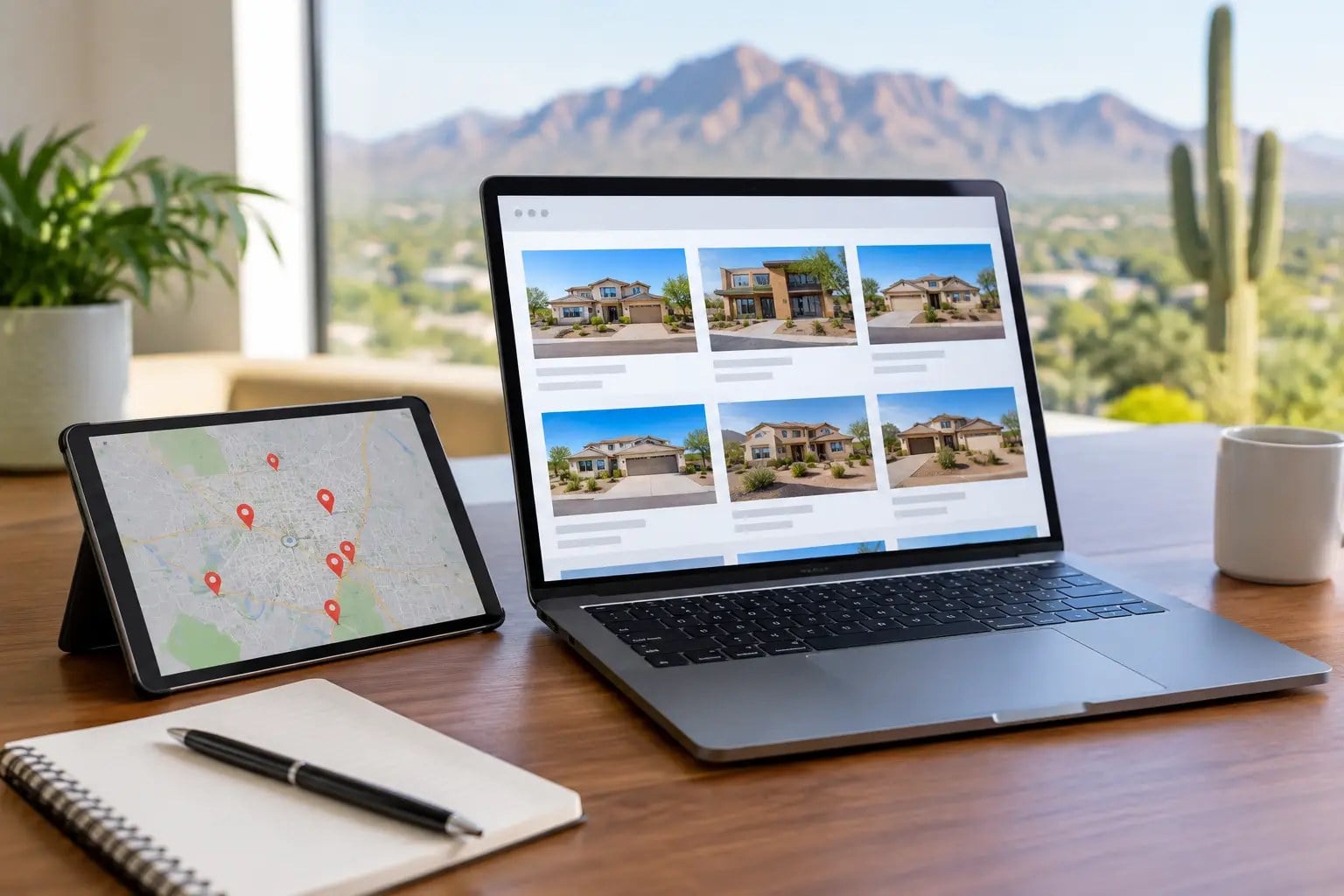
A home can move from new listing to under contract before you finish comparing it with yesterday’s favorites. That is why an MLS portal comparison matters for Arizona buyers, sellers, and investors. The best search experience is not simply the portal with the most attractive photos. It is the one that gives you current listing status, useful search controls, fast alerts, and a clear path to professional help when a property deserves a closer look.
For a buyer watching Surprise, Peoria, Glendale, Scottsdale, or another fast-moving market, delayed data can create expensive confusion. For a homeowner preparing to sell or refinance, incomplete neighborhood activity can distort expectations. Compare portals based on the information and actions they support, not on their advertising claims.
MLS Portal Comparison: What Actually Changes Your Search
Most real estate search sites fall into three groups: large national consumer portals, brokerage or agent portals connected to an MLS data feed, and local MLS public-facing search tools. Each can be useful. The right choice depends on whether you are casually browsing, planning a move, pricing a home, or prepared to act quickly.
National portals are often strong for broad research. They can help you get a feel for price ranges, property styles, and locations when you are relocating from another state or still deciding between communities. Their neighborhood pages and large volume of user traffic can also make them convenient starting points.
The trade-off is that listing status and details may not always match the most recent local updates. A home displayed as available may already have accepted an offer, returned to the market with changed terms, or had a price adjustment. That does not make a national portal useless. It means you should verify time-sensitive properties through a current MLS-connected source before planning your weekend around showings.
Brokerage and agent portals are usually built for shoppers who want more direct access to local inventory. Their value is often in data freshness, property-level details, map tools, saved searches, and the ability to speak with someone who understands the transaction process. A quality local portal should make it easy to research independently without forcing a conversation before you are ready.
Public MLS search options can provide another source for checking inventory, but the features vary by market. Some offer only basic filters or fewer ways to organize searches. Others may require you to move elsewhere for valuation tools, sold-property context, or personal guidance.
Start With Listing Freshness and Status Accuracy
Freshness is the first comparison point because every other feature depends on it. Ask how often listings are refreshed and whether the portal is drawing from the local Realtor database. A stated update schedule is more useful than vague language about having “newest listings.” Arizona Real Estate and Homes refreshes MLS-connected listing information every 15 minutes, giving users a practical way to watch new inventory and changes without relying on stale search results.
Pay attention to the status labels a portal displays. Active, pending, under contract, coming soon, closed, and withdrawn are not interchangeable. In a competitive price range, a buyer needs to know whether a property can still be shown and whether backup offers may be possible. Sellers should be able to see meaningful active competition and recent sales, rather than a mixed collection of listings with unclear availability.
No portal can replace confirmation from an agent when a home is a serious candidate. Status can change at any moment, especially after an open house or a significant price reduction. But a current portal reduces wasted time and helps you act with better information.
Compare the Filters You Will Use More Than Once
A portal with thousands of listings is only helpful if you can narrow the results quickly. Basic filters for price, bedrooms, bathrooms, property type, and square footage are expected. The better question is whether the search tools fit the way you make decisions.
For example, a first-time buyer may need to focus on townhomes or condos within a monthly payment range. A move-up household may care about four bedrooms, a pool, and a three-car garage. An investor may want vacant land, foreclosure opportunities, or homes that meet a specific price-per-square-foot target. An active-adult buyer may be looking for a certain community type, low-maintenance features, or nearby amenities.
Map search is particularly valuable in the Phoenix metro area because neighborhood boundaries do not always match a citywide search. The right location can be a few blocks away from an area you first considered. Look for a portal that lets you draw or save custom map boundaries rather than forcing you to search only by ZIP code or city name. This is useful when you want to compare parts of North Peoria, Litchfield Park, Waddell, or the edges of a preferred school or commute area.
Do not overvalue a long filter list if it produces unreliable results. A smaller set of accurate filters is better than an elaborate search that misses properties because listing data was entered inconsistently. When a must-have feature is difficult to filter, use the portal to create a strong starting list, then review descriptions, photos, and disclosures with an agent.
Alerts Separate Browsing From a Real Search
A portal should work while you are away from it. Saved searches and alerts are among the most practical tools in any MLS portal comparison because they change your response time.
Set alerts for new listings, price changes, sold properties, and neighborhood activity. New-listing alerts help buyers see opportunities early. Price-change alerts can reveal a seller who may be more open to negotiation. Sold-property alerts give homeowners a running view of what is actually closing nearby, which is often more useful than following asking prices alone.
Alert settings should be specific enough to be useful. A broad search for every home in a large city may send too many emails to review. Instead, create separate searches for each purpose. You might save one search for homes that meet your ideal criteria, a second for lower-priced alternatives, and a third for recent sales near your current home.
Frequency matters, too. Immediate alerts make sense for a buyer ready to tour homes this week. Daily or weekly updates may be better during early relocation research. Too many notifications can lead to ignored notifications, so adjust the search as your timeline changes.
Look Beyond the Listing Card
The first page of a portal is designed to get attention. The listing page should help you make a decision. Useful details include price, MLS number, square footage, lot size, year built, property type, HOA information when available, property status, and clear descriptions of standout features.
Photos and virtual tours matter, but they should not override the facts. Wide-angle photography can make rooms appear larger, and staged furniture can hide functional limitations. Use listing information to form questions: Is the roof age known? Is the pool included in the HOA scope? Is the property on a larger corner lot because it backs to a busy road? Are there solar terms, lease restrictions, or community requirements that affect your plans?
For sellers, a portal that surfaces active listings and recent sales supports better preparation. It can help you see how competing homes are presented, how long they have been available, and whether their pricing appears to be moving. An instant valuation can be a useful starting point, but it should not be treated as a final list-price recommendation. Automated estimates cannot fully account for condition, upgrades, lot placement, views, or buyer demand in a specific micro-market.
When Local Guidance Becomes the Better Tool
Self-directed search gives you control. Agent guidance adds context when the decision has financial consequences. The best portal does not force you to choose one over the other.
If a listing looks promising, direct access to a local real estate professional can help you confirm availability, arrange a showing, review comparable sales, and understand terms that are not obvious from a listing page. That is especially useful for first-time buyers comparing loan options, investors evaluating rental potential, and sellers deciding whether improvements are likely to pay off.
There is also a practical limit to portal comparisons: not every question is a data question. A search tool can show that a home had a price reduction. It cannot always explain whether the change reflects inspection issues, seller timing, competition, or a shift in buyer demand. Local market knowledge helps turn information into a next step.
Use the portal that makes it easy to watch the market on your terms, save what matters, and verify details quickly. When a home, valuation, or neighborhood trend starts to affect your real plans, move from searching to a conversation that can help you act with confidence.